 CloudPhone
 Blog
Beta update notes: October 2026
What shipped this month, what improved, and what comes next.
What changed in the October 2026 beta?
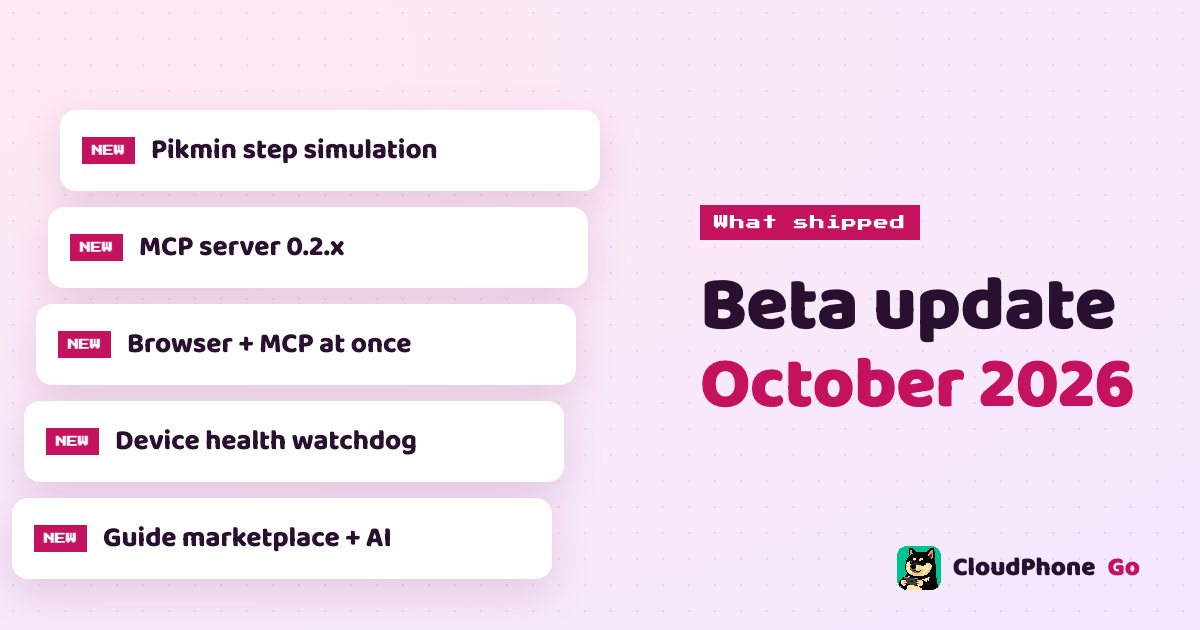
Five things headline this month for CloudPhone Go: step simulation for pedometer games like Pikmin Bloom while the GPS moves, MCP server 0.2.x, a browser tab and MCP connecting to the same device at once, a device health watchdog that recovers stuck devices, and the guide marketplace with AI auto-play.
These notes are from the two of us, 胖胖 and WinterSleep. For each item we cover what problem it solves, how to start using it and what the known limits are.
If you have not tried CloudPhone Go yet: it is a real Android phone in a Taiwan data centre that you control from a browser. There is no app to install, and it keeps running 24/7 after you close the tab.
Pikmin Bloom steps: how are steps counted while the GPS moves?
Virtual GPS could already move your location, but pedometer games care about steps. If your position moves and the step count does not, the game does not really credit you. Now steps are simulated while the GPS moves, at up to 3 steps per second, and the GMS pedometer permission is pre-granted so Pikmin Bloom can read them.
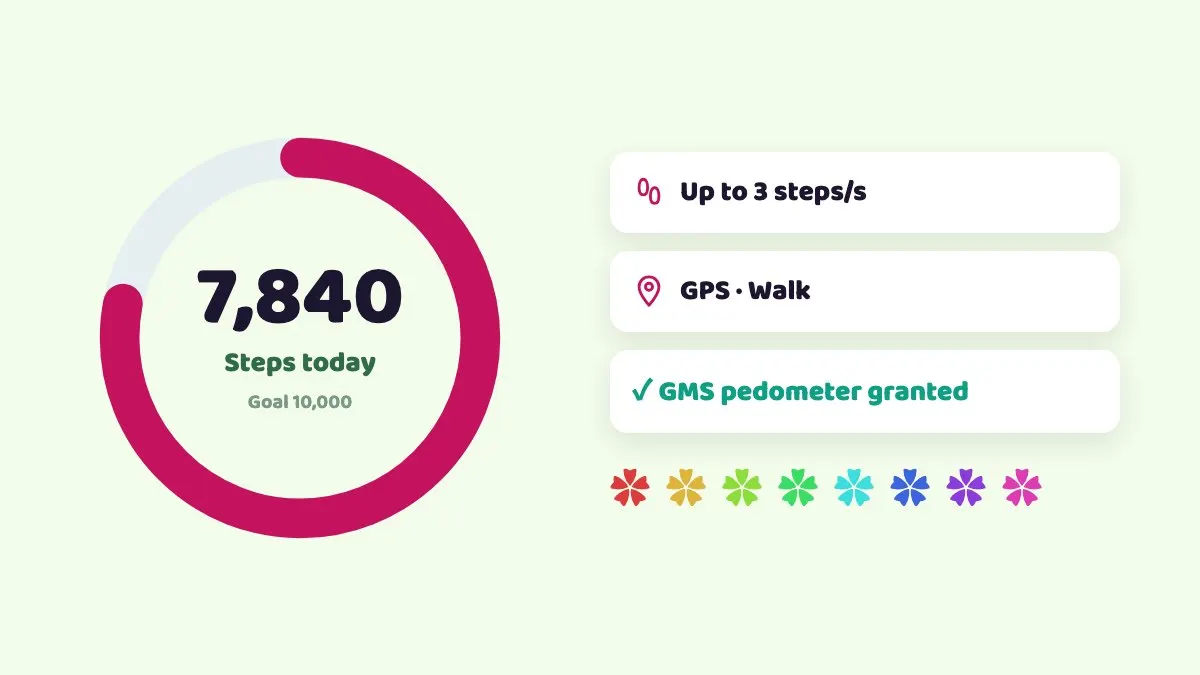
- Open virtual GPS on the device and enter coordinates or pick a popular landmark as your start.
- Move with the joystick or WASD; walking speed looks the most natural.
- Open Pikmin Bloom and check the step count is rising.
- Release the joystick to stop, and the steps stop with it.
To be straight with you: location and step simulation are against Niantic's terms of service. Whether and how much you use them is your decision and your risk, and we cannot promise your account will not be penalised.
What is new in MCP 0.2.x?
MCP lets AI tools such as Claude Code, Claude Desktop, Codex and Cursor operate your cloud phone directly. Version 0.2.x focuses on two things: tapping accurately and making problems easier to diagnose.
| Item | What it does | Why it helps |
|---|---|---|
| Ratio coordinates | All coordinates are 0 to 1000 ratios | The same ratio hits the same relative spot at any resolution |
| review_last_screen_touch | Reviews the last touch | Easier to see why a tap did nothing |
| --inspector | Local visual debugger | See what the AI sent and where it tapped |
| --profile core | Exposes 12 essential tools | Fewer wrong tool picks |
| --readonly | Observe only | Let the AI watch before it acts |
Setup is unchanged: create a token in the device menu under AI / MCP, copy the Claude Code command or download the .mcpb for Claude Desktop. It runs npx -y @zerohuman-ai/poc-mcp and needs Node 18 or later. The first call can take about 40 seconds; after that it is quick.
Can a browser tab and MCP connect to the same device?
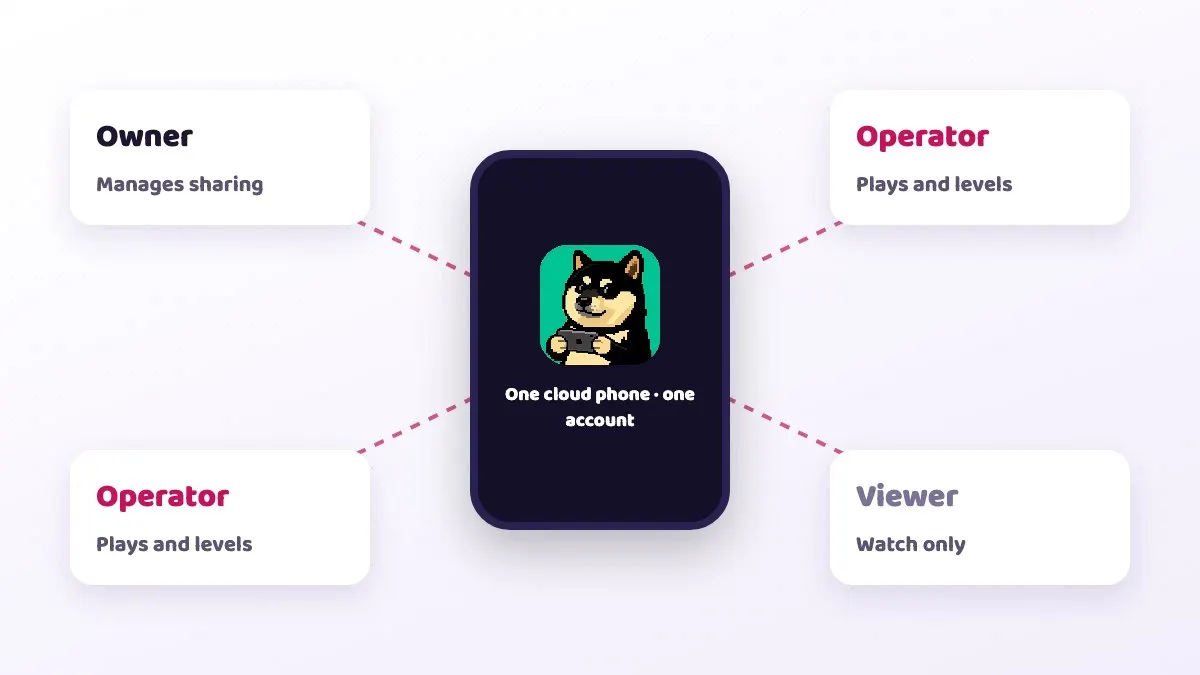
Yes. Multiple WebRTC connections are now supported, so you can watch in the browser while an AI operates the device over MCP, and take over by hand the moment something looks off.
Combined with device sharing, you can also share a device with a friend or guildmate using three roles: owner, operator and viewer. Give someone viewer if you want them to watch without touching.
Known issue: the browser and MCP may occasionally contend during the handshake. If one fails to connect, wait a few seconds and retry.
A typical setup: Claude Code on your laptop runs dailies on an alt account while you open the same device in Safari on your phone, so you can check on the commute whether it got stuck on a notice screen.
Device health watchdog: do stuck devices recover on their own?
Yes. The worst thing about idling overnight is waking up to find the device froze at 2 a.m. and you lost the whole night. The new device health watchdog monitors each device and recovers it automatically when it gets stuck, to cut down on those drops.
It handles the device itself getting stuck. If your own network drops, or the game kicks you back to its login screen, you still need to check in. For long sessions, pair it with a guide's resume last run option so you can pick up from where it stopped.
胖胖 started CloudPhone Go partly because he could never idle Lineage M with peace of mind. The watchdog is not magic, but it hands the device freezing on its own part over to the system, leaving you to worry only about the game itself.
What can the guide marketplace and AI auto-play do now?
The guide marketplace at /guides lets you search guides by game, pick one using run counts, likes, comments and version history, and run it on your own cloud phone in one click. You can set rounds, resume the last run, add extra instructions, follow a live event log and stop at any time.
- Built-in CloudPhone Go AI: small, medium and large models billed in credits at 3,000 credits per US$1, with usage on the billing page. Context above 32K tokens costs four times as much, and the interface warns you.
- Bring your own: Claude Code, OpenCode, Grok, Oh My Pi, Cursor Agent or Antigravity, running in the AI terminal panel inside the device.
- Write your own: create, edit, publish, unpublish and delete in My guides. For precise control, use on-device JS scripts (ES5 only; let, const and arrow functions fail to parse).
Reminder: automation may break some games' terms, so judge the risk yourself.
How do beta plans and billing work?
Beta prices sit below the regular prices. Every plan includes 32 GB of storage, and you can cancel any time.
| Plan | Spec | Beta monthly | Beta yearly (per month) | Regular monthly |
|---|---|---|---|---|
| Starter | 2 cores, 4 GB | NT$489 | NT$419 (NT$5,028/year) | NT$549 |
| Standard | 4 cores, 8 GB | NT$929 | NT$789 (NT$9,468/year) | NT$999 |
| Performance | 8 cores, 16 GB | NT$1,749 | NT$1,489 (NT$17,868/year) | NT$1,949 |
The billing page shows your renewal date, invoices and AI usage. You can cancel renewal and keep using the service until the end of the paid period; fees already paid are not refunded. Payment is through Stripe, and sign-in is Google only, so we store no passwords.
Want to try first? Email hello@cloudphonego.com for a free 12-hour trial card code.
Known limits and troubleshooting
| Symptom | Cause | Fix |
|---|---|---|
| Black screen, stream never loads | Old browser without WebCodecs | Update the browser; use Safari on iPhone |
| Cannot connect at work | Strict VPN or firewall blocking WebRTC | Try a hotspot or home network |
| Ctrl/Cmd+V does not paste | Browser clipboard permission not granted | Allow clipboard access in the browser |
| First MCP call is slow | Package download and connection setup | Wait about 40 seconds |
| AI still connected after revoking | Revoking does not cut existing connections | Revoke, then reboot the device |
On latency: measured in September 2026 from Taiwan fibre and 5G to the Taiwan data centre, the median was under 10 ms, though it varies by network. The connection quality indicator shows RTT, packet loss and FPS, so check it first if things feel sluggish.
What is next month?
- We plan to open a LINE official account and a Discord community, to make reporting issues and sharing guides easier.
- More idle and guide tutorials for more games.
- Continued tuning of performance and the interface based on beta feedback.
These are plans, not dates; we will announce each one when it goes live. If there is a feature or game tutorial you want, email hello@cloudphonego.com. Beta feedback genuinely shapes what we build next.
FAQ
Q: Do I need to turn anything on for Pikmin Bloom steps? A: No extra permission is needed; the GMS pedometer permission is pre-granted. Steps are simulated while the GPS moves, at up to 3 per second. This is against Niantic's terms, so it is at your own risk.
Q: Do I need to redo my MCP setup? A: Setup is the same; copy the command from AI / MCP. If your notes or guides use pixel coordinates, switch them to 0 to 1000 ratios.
Q: Can the AI operate while my browser is open? A: Yes, both can be connected. If the handshake contends, just retry.
Q: Will beta prices go up? A: Beta prices are the current discounted prices, with regular prices shown in the table above. Any change will be announced in advance.
Q: How do I get the free trial? A: Email hello@cloudphonego.com and we will send a 12-hour trial card code.