Blog
The CloudPhone Go blog
Idle tips, guides and product updates, written by 胖胖 and WinterSleep.
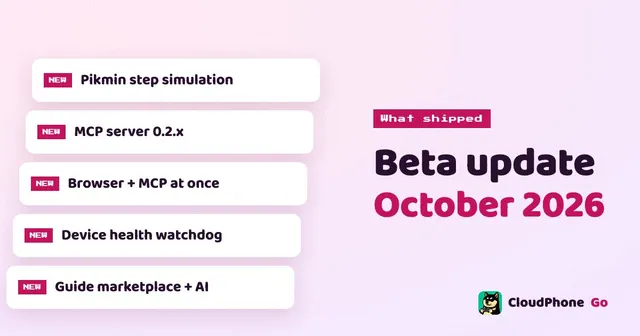
Beta update notes, October 2026
What shipped this month, what improved, and what comes next.
Read the post →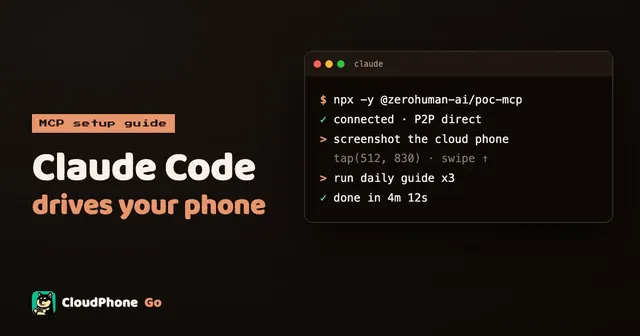
Control a cloud phone with Claude Code over MCP: setup guide
Let an AI agent see and operate a real Android phone. From creating a token to your first command, step by step.
Read the post →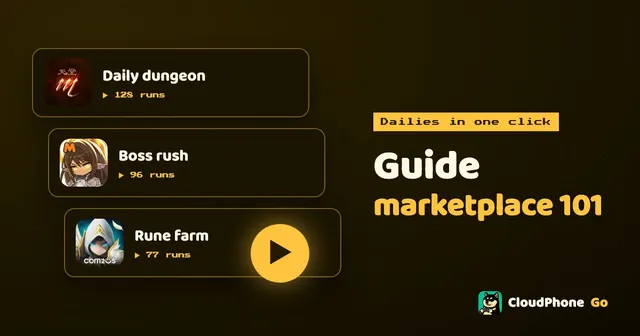
Guide marketplace basics: turn your dailies into a one-click guide
Write the dailies you repeat every day once, and never do them by hand again. How to find a guide, run it with one click, and publish your own.
Read the post →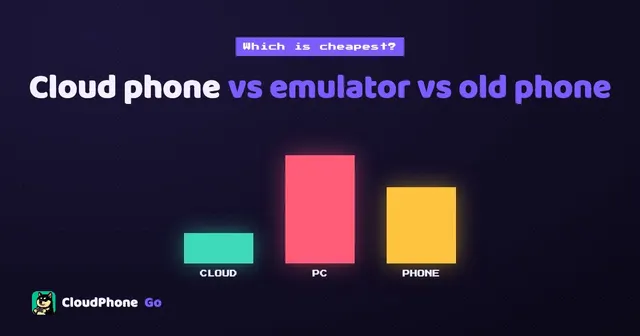
Cloud phone vs emulator vs spare phone: which is cheapest to idle?
Idling costs more than a monthly fee. Count electricity, hardware and your time, and the three options differ a lot.
Read the post →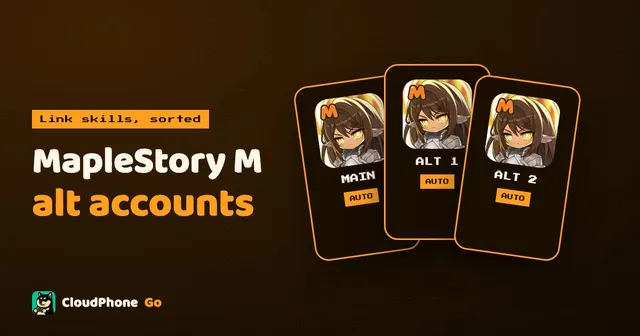
MapleStory M alts and link skills: one cloud phone per account
Link skills need alts, but switching accounts every day is tedious. One cloud phone per account lets every character spend its daily auto-battle time.
Read the post →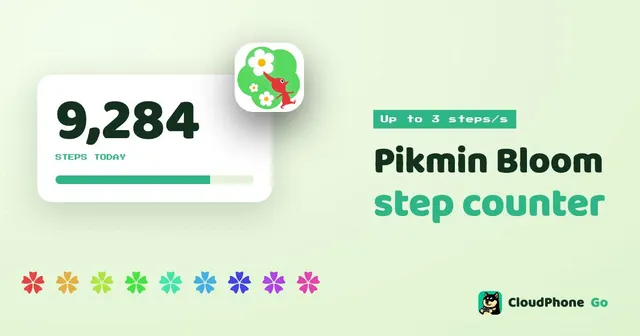
Pikmin Bloom step counter guide: simulate steps on a cloud phone
No need to walk 10,000 steps. The cloud phone simulates steps while the GPS moves at walking speed, and Pikmin Bloom counts them.
Read the post →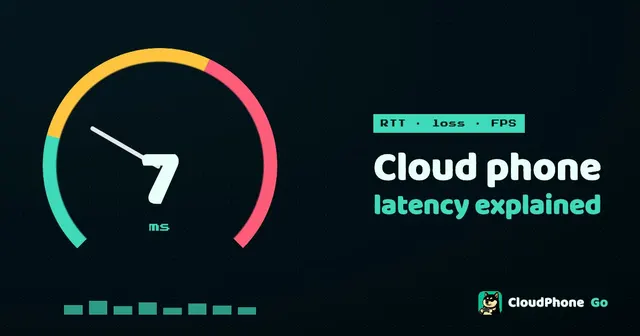
Cloud phone latency explained: RTT, packet loss and FPS
Others write "low latency". We write the number. What latency actually is, how to read it, and how to check it yourself.
Read the post →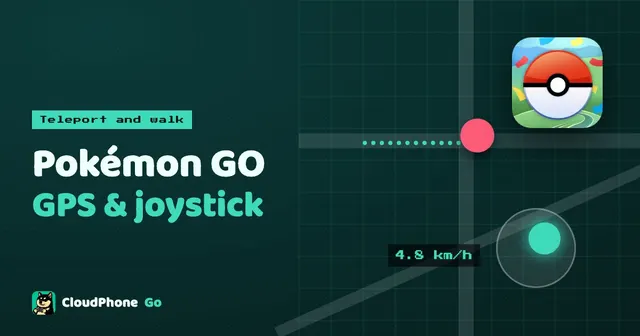
Pokémon GO virtual GPS and joystick guide on a cloud phone
Teleport to Tokyo, walk with a joystick at a realistic pace, hatch eggs from your desk. How the cloud phone's virtual GPS works, and how to move more safely.
Read the post →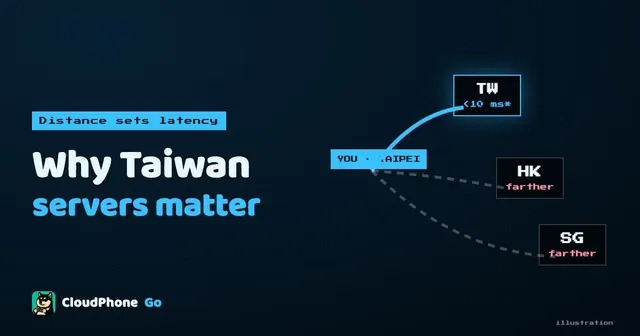
Why a Taiwan-hosted cloud phone matters
The same cloud phone plays very differently hosted in Taiwan versus Singapore. Here is why.
Read the post →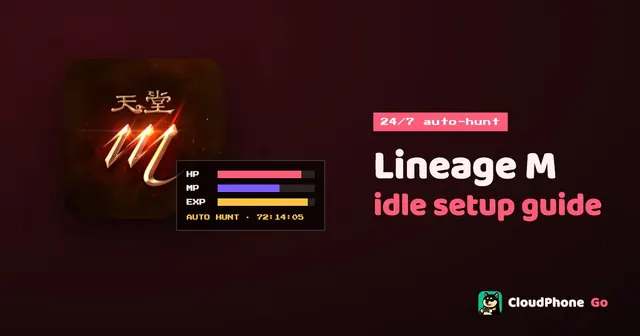
Lineage M idle setup guide: 24/7 on a cloud phone
Lineage M's auto-hunt is built for 24/7. Here is how to move it onto a cloud phone, set return-to-spot and auto-resupply, and keep farming with your PC switched off.
Read the post →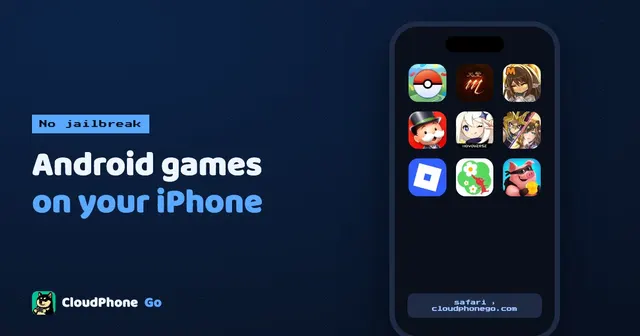
Play Android games on iPhone: a 3-minute setup, no jailbreak
Android-only games, early test builds, a second account: no jailbreak and no second phone. Open Safari and play.
Read the post →
CloudPhone Go open beta: a Taiwan-hosted cloud phone under 10 ms
After ten years of cloud phones we built our own. Taiwan servers, under 10 ms, playable from any browser, and in open beta today.
Read the post →Keep exploring
Ready to stay online?
Your dedicated cloud phone boots in seconds. Pick a plan, sign in with Google, and let the grind run.