 CloudPhone
 Blog
Play Android games on iPhone: a 3-minute setup
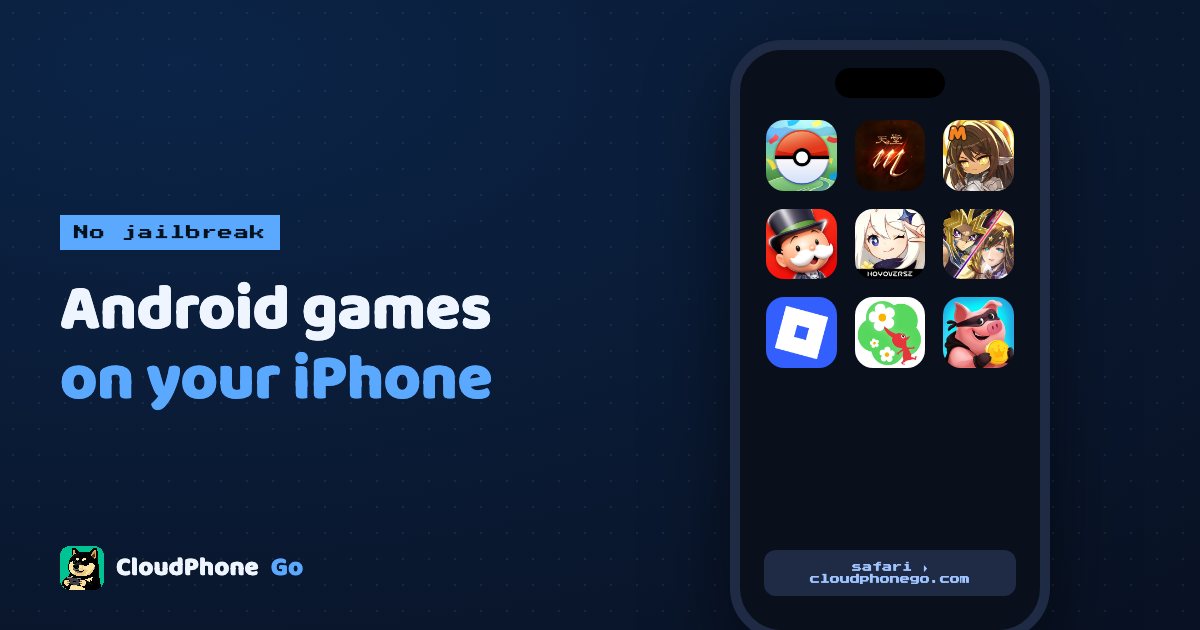
Android-only games, early test builds, a second account: no jailbreak and no second phone. Open Safari and play.
Can you play Android games on an iPhone?
Yes, with no jailbreak and no sideloading: open a cloud Android phone in Safari, the game runs remotely, and your iPhone only shows the screen and sends your touches. With CloudPhone Go the phone sits in a Taiwan data centre, and going from Google sign-in to downloading your first game takes about three minutes.
Because the game never runs on your iPhone, nothing on the iPhone changes, the game does not eat your storage, and long idle sessions will not turn your phone into a hand warmer. After you close Safari, the cloud phone keeps running 24/7.
This guide covers why you might want this, the full setup, installing APKs that are not on Google Play, iPhone-specific tips, and troubleshooting.
When would you want Android games on an iPhone?
Most big mobile games are on both stores, but iPhone players are usually stuck in these cases:
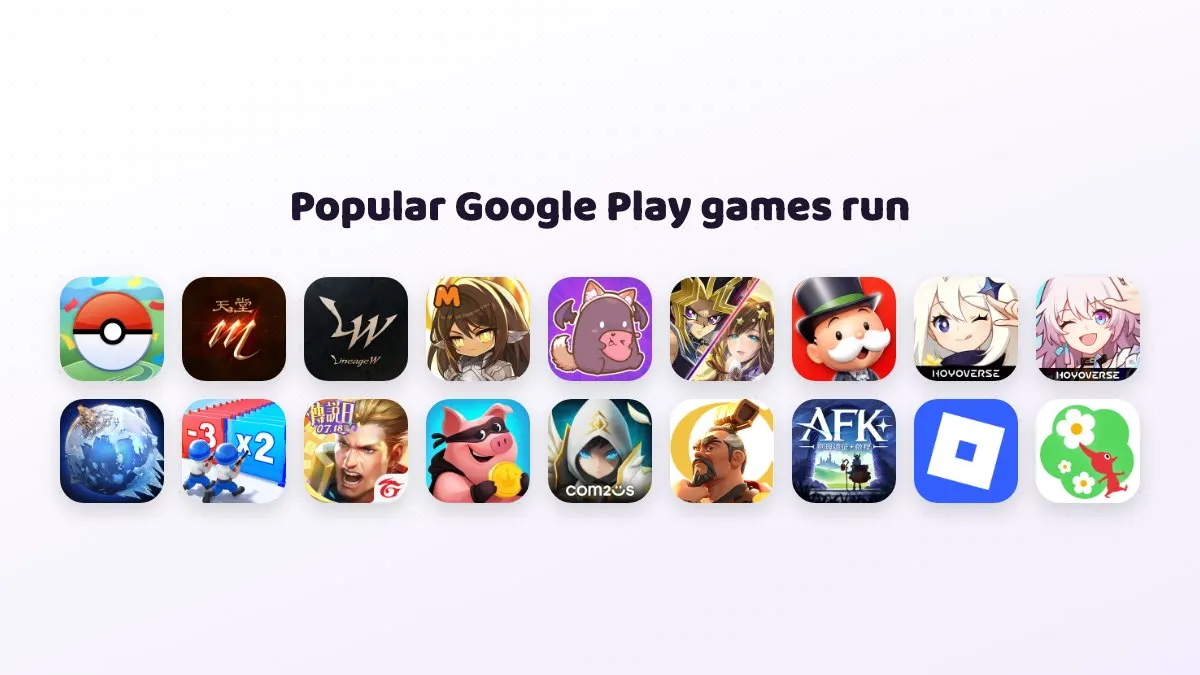
- Google Play only: some smaller studios and indie games only ship an Android version.
- Android-only test builds: plenty of early access tests open to Android first.
- Regional versions: some regional releases are not available in your App Store region.
- Alt accounts: iPhone cannot run two copies of the same game, so an alt means constant logging out and in.
- APK downloads: some games and tools are distributed only as an APK from their official site.
- Long idle sessions: idling on your main phone costs battery health, heat and screen burn-in.
The usual answers were jailbreaking or buying an Android phone. Now there is another option: use a real Android phone inside your browser.
Cloud phone vs jailbreak vs a second phone: what is the difference?
| Option | Modify your iPhone? | Runs Android games? | Idle 24/7? | Main cost |
|---|---|---|---|---|
| Cloud phone | No | Yes, on a real Android device | Yes, even with Safari closed | Monthly plan, Starter from NT$489/month in beta |
| Jailbreak | Yes, with security and warranty risk | No, a jailbreak does not make iOS run Android games | Depends on your phone | Time and risk |
| Sideloading iOS apps | Extra steps | No, iOS apps only | Depends on your phone | Time |
| Second Android phone | No | Yes | Yes, if it stays plugged in | Phone price, electricity, desk space |
In short, jailbreaking and sideloading solve installing iOS apps that are not on the App Store. They do not run Android games. Only a physical or cloud Android device gets you the Android version.
What do you need before you start?
- An iPhone or iPad with an up-to-date Safari. Very old browsers may not play the stream.
- A Google account to sign in to CloudPhone Go, which you can also use for Google Play inside the cloud phone. We never store a password.
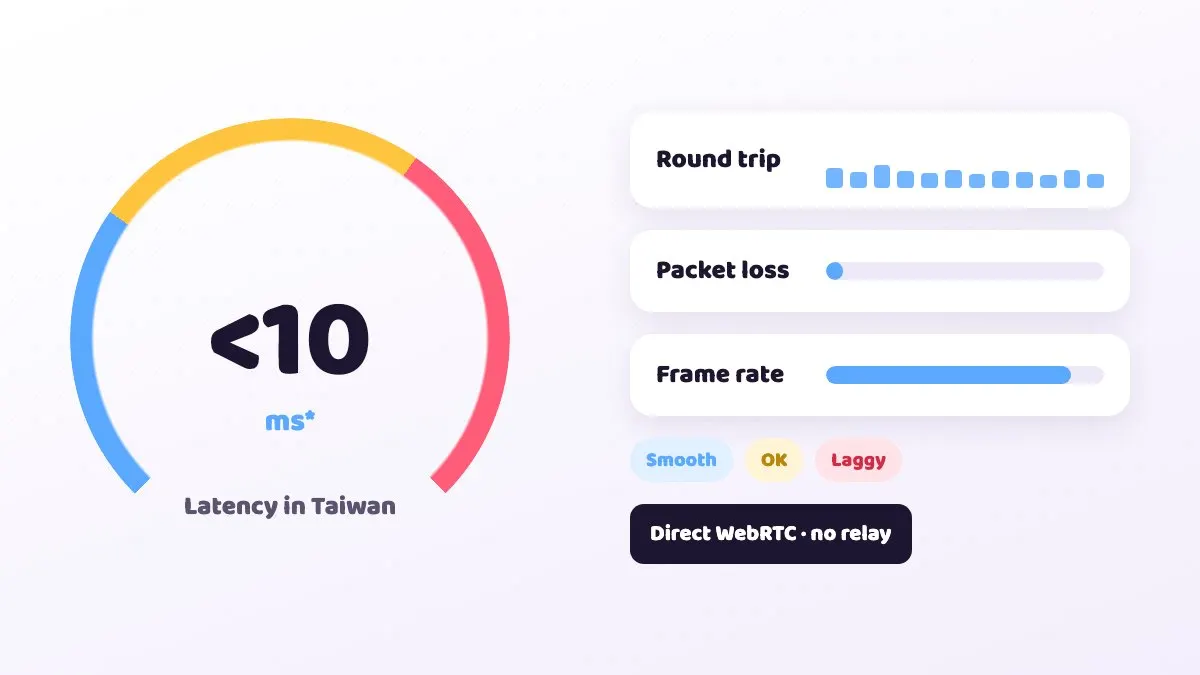
- Stable Wi-Fi or 5G. From Taiwan fibre and 5G we measured a median latency under 10 ms (September 2026; it varies by network).
- A plan or a 12-hour trial card. Email hello@cloudphonego.com for a trial redeem code.
Set it up in 3 minutes
- Open cloudphonego.com in Safari, tap Get started and sign in with Google.
- Choose a plan, or enter a 12-hour trial card code. Your cloud phone boots in seconds.
- Open Google Play inside the cloud phone, sign in to your Google account and install the game you want.
- Launch the game, sign in and play. To idle, turn on auto-battle and simply close Safari.
- Tap Share at the bottom of Safari and choose Add to Home Screen, so next time it opens with one tap like an app.
The first Google Play sign-in works like setting up any new Android phone. After that, game data lives in the cloud phone's 32 GB of storage, not on your iPhone.
How do you install games that are not on Google Play?
If a game only offers an APK, or you have a split package such as XAPK, APKS or APKM, you can still install it from your iPhone:
- Download the installer from the game's official site in Safari and save it to the Files app.
- In the CloudPhone Go control bar, choose upload file and pick that installer.
- The file uploads in chunks to /sdcard/Download on the cloud phone, with a progress bar.
- When it finishes, choose install. APK, APKS, APKM and XAPK are all supported.
Re-uploading the same file skips the transfer, so you do not wait twice. Only download installers from the official source or one you trust; unknown APKs can carry malware.
How do you make it feel smooth on an iPhone?
- Play in landscape: the navigation moves to the side so it stays off MOBA and action game buttons. In portrait it sits at the bottom.
- Full-screen immersive mode: the controls collapse into a floating bar for a bigger picture.
- Picture-in-picture: iOS Safari supports PiP, so you can shrink the game into a corner and watch your idle while replying to messages.
- Typing Chinese or Japanese: type on your iPhone and paste; the cloud phone receives it through the clipboard. Allow clipboard permission the first time.
- Physical keyboard on iPad: type directly, which helps in chat-heavy games.
- Connection quality: live RTT, packet loss and FPS are on screen. Check them first when things feel slow.
Multi-touch, swipe and scroll all work, and back, home, recents, volume and rotate are on the control bar, so most games feel much like playing on an Android phone.
Which plan should an iPhone player pick?
It mostly depends on what you play and whether you idle. Every plan gets dedicated resources on a flagship 8-core ARM processor and includes 32 GB of storage, and during the beta both monthly and yearly prices are an extra 10% off.
| Your situation | Suggested plan | Beta monthly (yearly per month) |
|---|---|---|
| An occasional light Android-only game, or one idle alt | Starter, 2 cores 4 GB | NT$489 (NT$419) |
| A main game you play daily and idle overnight | Standard, 4 cores 8 GB | NT$929 (NT$789) |
| Heavy 3D games, high graphics, or AI guides running at the same time | Performance, 8 cores 16 GB | NT$1,749 (NT$1,489) |
If you are unsure, use the 12-hour trial card with the game you play most and see how smooth it feels before deciding. You can upgrade or cancel later, and the billing page shows your renewal date and invoices. Checkout goes through Stripe, so you never type card details into the cloud phone itself.
Black screen or lag? Troubleshooting
| Problem | Likely cause | Fix |
|---|---|---|
| Black screen or will not connect | A corporate VPN or strict firewall blocking direct WebRTC | Turn off the VPN or switch to mobile data or your home network |
| Stream will not play at all | Safari or iOS is too old | Update iOS and Safari |
| Lag or dropped frames | Weak Wi-Fi or a congested network | Check RTT and packet loss, move closer to the router or try 5G |
| Paste does nothing | Clipboard permission not allowed | Allow clipboard access in Safari's website settings |
| Game frozen | The game or device has hung | Reboot from the control bar; the watchdog also tries to recover it |
One common surprise: closing Safari does not close the game. If you come back and it is still running, that is expected. The cloud phone stays on.
FAQ
Q: Do I need to jailbreak or change iPhone settings? A: No. You just open a web page in Safari; the iPhone itself is not modified.
Q: Does the game stop when I close Safari? A: No. Only the video to your iPhone stops; the cloud phone runs 24/7.
Q: Will a game flag me for cheating? A: The cloud phone is a real Android device, and normal play is the same as on an Android phone. Rules on multiple accounts and specific play styles differ by game, so check and follow each game's terms. We cannot guarantee how any game will treat an account.
Q: Does it work on iPad? A: Yes, in Safari, with a bigger screen and physical keyboard support.
Q: How much does it cost? A: In beta, Starter is NT$489/month, Standard NT$929 and Performance NT$1,749, with lower yearly rates and cancellation any time. To try first, email hello@cloudphonego.com for a 12-hour trial card.