 CloudPhone
 Blog
Guide marketplace basics
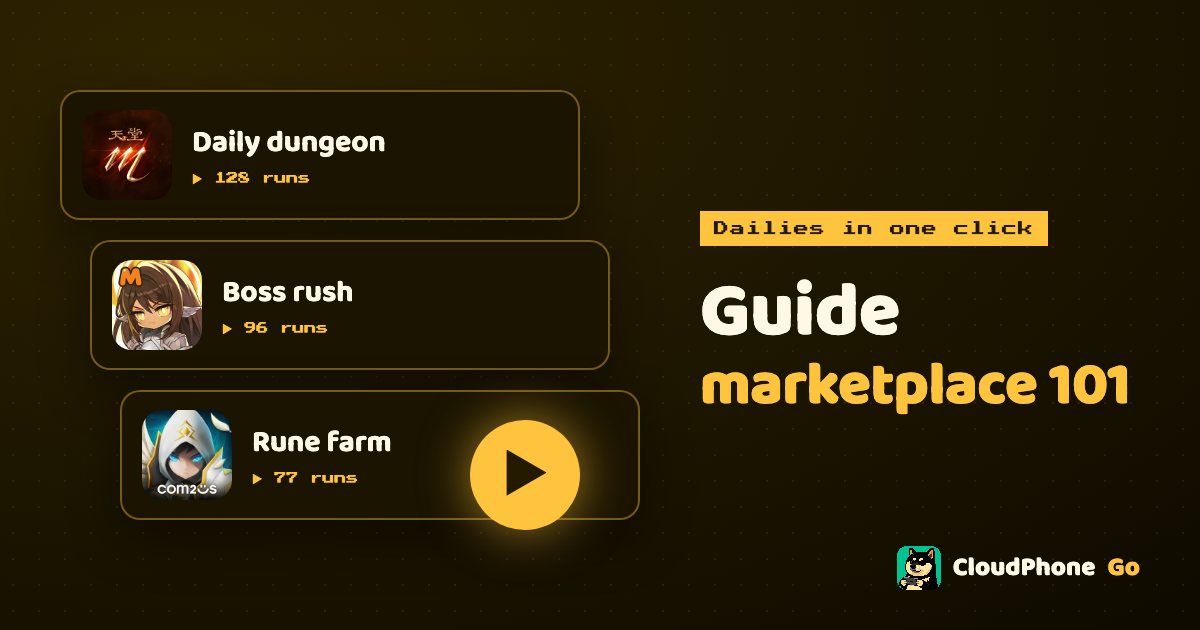
Write the dailies you repeat every day once, and never do them by hand again. How to find a guide, run it with one click, and publish your own.
What is the guide marketplace, and can it really turn dailies into one click?
The guide marketplace is CloudPhone Go's built-in library of automation guides, found at /guides. Players turn repetitive routines such as dailies, events and map rotations into guides; you pick one, press run, and an AI follows it on your cloud phone, with a full log to review afterwards.
Put simply, it moves the job of tapping the same twenty buttons every day off your hands and onto a cloud phone that stays on 24/7. You go to work or go to sleep, and it keeps grinding in the Taiwan data centre.
This guide walks through finding a guide, running it, choosing an AI engine and finally writing and publishing your own. You do not need to code to start, and there is a section on on-device scripts if you want precise control.
Which routines suit a guide?
Not every kind of play belongs in a guide. The sweet spot is anything with fixed steps, done daily, where a failure costs little. Anything that needs split-second reactions or other players is still best done by hand.
| Routine | Examples | Fit |
|---|---|---|
| Daily login and check-in | Login rewards, check-in, mailbox | Excellent, fixed steps |
| Daily quests | Daily commissions, daily dungeons, collecting resources | Good, usually a set route |
| Farming and idling | Replaying the same stage, auto-battle | Good, remember to set rounds |
| Event quests | Daily stages in limited events | Depends; event screens change often |
| PvP and guild wars | Live battles, raids | Not recommended, needs live judgement |
| Purchases and trading | Top-ups, auction house | Do not automate |
Most players start with login plus dailies. It is usually the most tedious part and the most stable, so it is where you feel the time saved first.
How do you pick a good guide?
You can search the marketplace by game, and popular games often have several guides. Check these signals:
- Run count: more runs usually means more stability and more people who have hit the edge cases.
- Likes: a better read on whether it actually works well.
- Comments: where the useful details live, such as step three breaking after the last patch.
- Version history: shows whether the author has updated it recently. Guides not updated since a game patch fail more often.
A good habit is to read the latest few comments before pressing run. If someone reports a recent break, skip it or wait for the author to update.
How do you run a guide in one click?
Once you have found a guide, running it takes a few steps:
- Press run on the guide page and choose which cloud phone runs it. If you have several alt accounts, pick the right device.
- Open the game to its main screen and check you are logged in to the right account.
- Set the number of rounds. For repeatable guides such as farming, this decides how many times it runs.
- Tick resume last run if you want to continue from where the previous run stopped.
- Add extra instructions if needed, such as stop when stamina runs out, or skip the second event.
- Press start. The live event log shows what the AI is doing, line by line.
- If anything looks wrong, press stop at any time and take over in the browser.
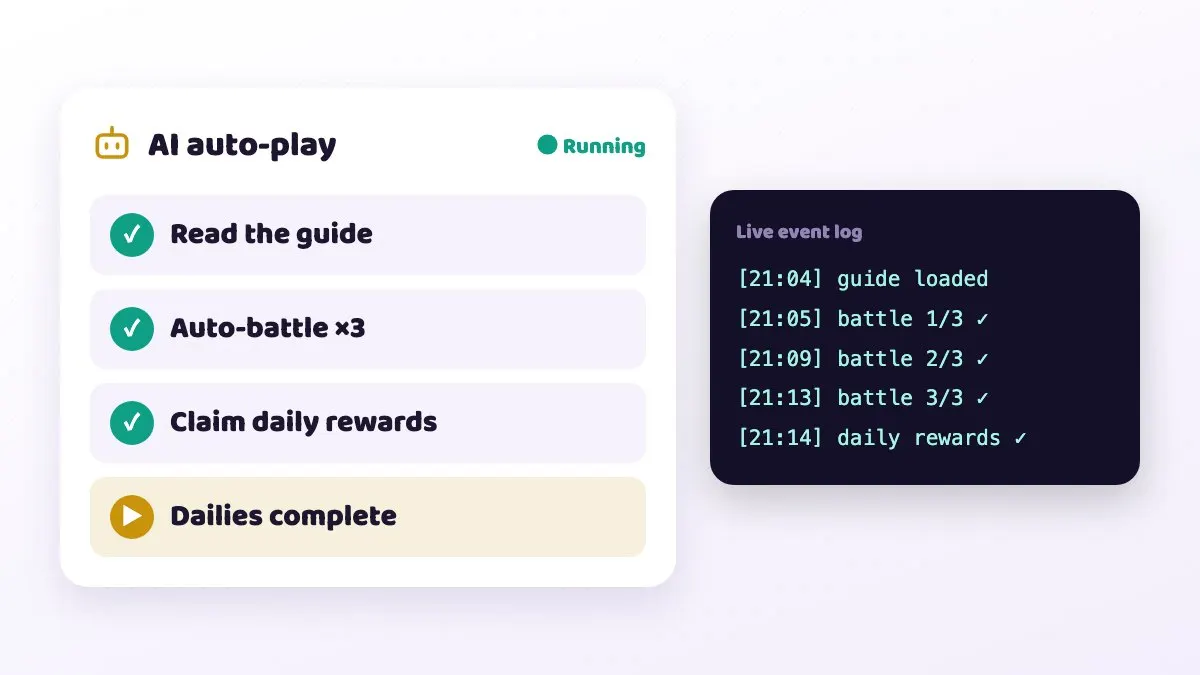
The first time you run a new guide, watch one round in the browser. Once every step matches what you expect, let it run on its own.
Which AI engine should you choose?
Running a guide needs an AI engine to read the screen and make decisions. You have two options:
| Engine | Notes | Cost |
|---|---|---|
| CloudPhone Go AI small | Fast; suits simple dailies | Billed in credits |
| CloudPhone Go AI medium | Balance of speed and judgement | Billed in credits |
| CloudPhone Go AI large | Best judgement; suits busy screens | Billed in credits |
| Bring your own: Claude Code, OpenCode, Grok, Oh My Pi, Cursor Agent, Antigravity | Your own AI account | Billed by that provider; no extra charge from us |
Built-in AI is billed at 3,000 credits per US$1, and usage appears on the billing page. One thing to watch: once context passes 32K tokens, cost becomes four times as much, and the interface warns you. Long guides that keep piling up conversation burn credits faster.
A sensible approach is to start simple check-in guides on the small model and step up to medium or large only if it keeps failing. If you already pay for something like Claude Code, bringing your own account is usually the best value.
Bring-your-own agents run in the AI terminal panel inside the device, so you can see their output directly.
How do you write and publish your own guide?
If you cannot find what you need, or think you can do better, write your own. In My guides you can create, edit, publish, unpublish and delete.
- Go to My guides, press create, choose the game and give it a clear title such as Daily check-in plus mailbox.
- List each step: where to tap, what screen means done, and how to handle pop-ups.
- State the starting point, for example start from the game's main screen.
- State the end condition, for example stop when every daily quest shows a tick.
- Run it a few rounds on your own cloud phone and use the log to fix any steps that stall.
- Publish once it is stable. After a game update, come back and edit it; version history records every change.
Good guides share one trait: concrete conditions. Rather than clear the dungeon, write tap the Confirm button when the results screen appears. The AI understands it, and so do other players.
When should you use on-device JS scripts?
Text guides rely on AI judgement, which is flexible. Some jobs need more precision or lower cost, and that is where on-device JS scripts come in.
- Actions that need exact timing, such as tapping every few seconds.
- Detecting whether an icon has appeared with image and colour matching (scripts can use OpenCV).
- High-volume repetition that needs no thinking; a script saves a lot of AI usage.
Scripts can take screenshots, match images and colours, touch, press keys, handle files, make HTTP requests, set GPS and use timers.
The most common trap is syntax: scripts support ES5 only. Arrow functions, let and const fail to parse. Use var for variables and write functions as function () { }. Examples copied from the web usually need converting first.
Why did a guide fail? Common mistakes and fixes
| Symptom | Usual cause | Fix |
|---|---|---|
| Stuck at the start | Game was not on the expected starting screen | Return to the main screen and run again |
| Stops halfway | Game update moved a button or changed text | Check comments and version history, wait for an update or edit it |
| Blocked by notices | Guide does not handle pop-ups | Add close any notice to extra instructions |
| Script parse error | let, const or an arrow function | Rewrite in ES5 |
| Built-in AI costs more than expected | Context over 32K tokens, cost x4 | Split into shorter guides or fewer rounds |
| Need to rerun after a drop | Network or game disconnect | Use resume last run |
A reminder: automating a game may break some games' terms of service. We cannot promise you will not be penalised, so which games you use it with is your call.
FAQ
Q: Can I use the marketplace without coding? A: Yes. Running a guide is a few clicks, and you can write your own in plain text. JS scripts are an optional extra.
Q: Does a guide keep running after I close the browser? A: Yes. Guides run on the cloud phone, which stays on 24/7, so closing the browser does not stop it. Check the log when you come back.
Q: Can several alt accounts run the same guide? A: Yes. Choose which cloud phone to use each time you run it.
Q: How is built-in AI billed? A: In credits, at 3,000 credits per US$1, shown on the billing page. Context above 32K tokens costs four times as much.
Q: Can I take down a guide I published? A: Yes. Unpublish or delete it in My guides at any time.