Spins refill on a timer
Every hour of spin regeneration is spent on the current event when the device never sleeps.
Game guide · Casual · Spins
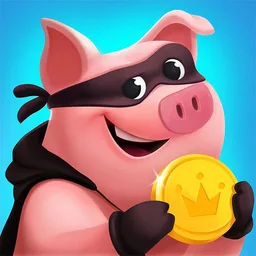
Run Coin Master 24/7 on a dedicated cloud Android phone. What to auto-farm, which plan to choose, setup steps and FAQ.
Idle-friendlyCasual · SpinsRecommended plan: Starter
Every hour of spin regeneration is spent on the current event when the device never sleeps.
A second village on the cloud phone doubles chest openings and gives you a trading partner.
Attack Madness and Raid Madness show up when they show up. Log in from any browser to use them.
Open cloudphonego.com in Safari on iPhone or iPad, or any browser on Android, PC and Mac. No download.
Pick a plan; the device boots in seconds.
Open Google Play on the cloud phone and install Coin Master like on any Android phone.
Use the account you want on this device. Alts get their own cloud phone.
Turn on auto-battle or queue your timers, then close the browser. The device keeps running.
Your dedicated cloud phone boots in seconds. Pick a plan, sign in with Google, and let the grind run.